Bomidi Link Submitted but No Order Draft: Check Status
- Editorial notes
If you submitted a Bomidi product link but don't see an order draft, don't keep resubmitting right away. Not seeing a draft could mean the link hasn't finished processing, you're signed into a different account, the page didn't actually confirm a successful submission, or the list just hasn't refreshed. You can't tell whether the platform has created an order just from not seeing a draft. ## Save Your Submission Records First Before doing anything else, k
If you submitted a Bomidi product link but don't see an order draft, don't keep resubmitting right away. Not seeing a draft could mean the link hasn't finished processing, you're signed into a different account, the page didn't actually confirm a successful submission, or the list just hasn't refreshed. You can't tell whether the platform has created an order just from not seeing a draft.
Save Your Submission Records First
Before doing anything else, keep the following information:
- The original product link, not just the redirected address from your browser's address bar
- The submission date and approximate time
- The login account or account identifier you used
- Any success, failure, or processing message shown on the page
- Screenshots of the page and the order list after submitting
- If there's an error message, copy the full original text
This information will help you tell the difference between "not created," "processing," and "created but not showing in the list."

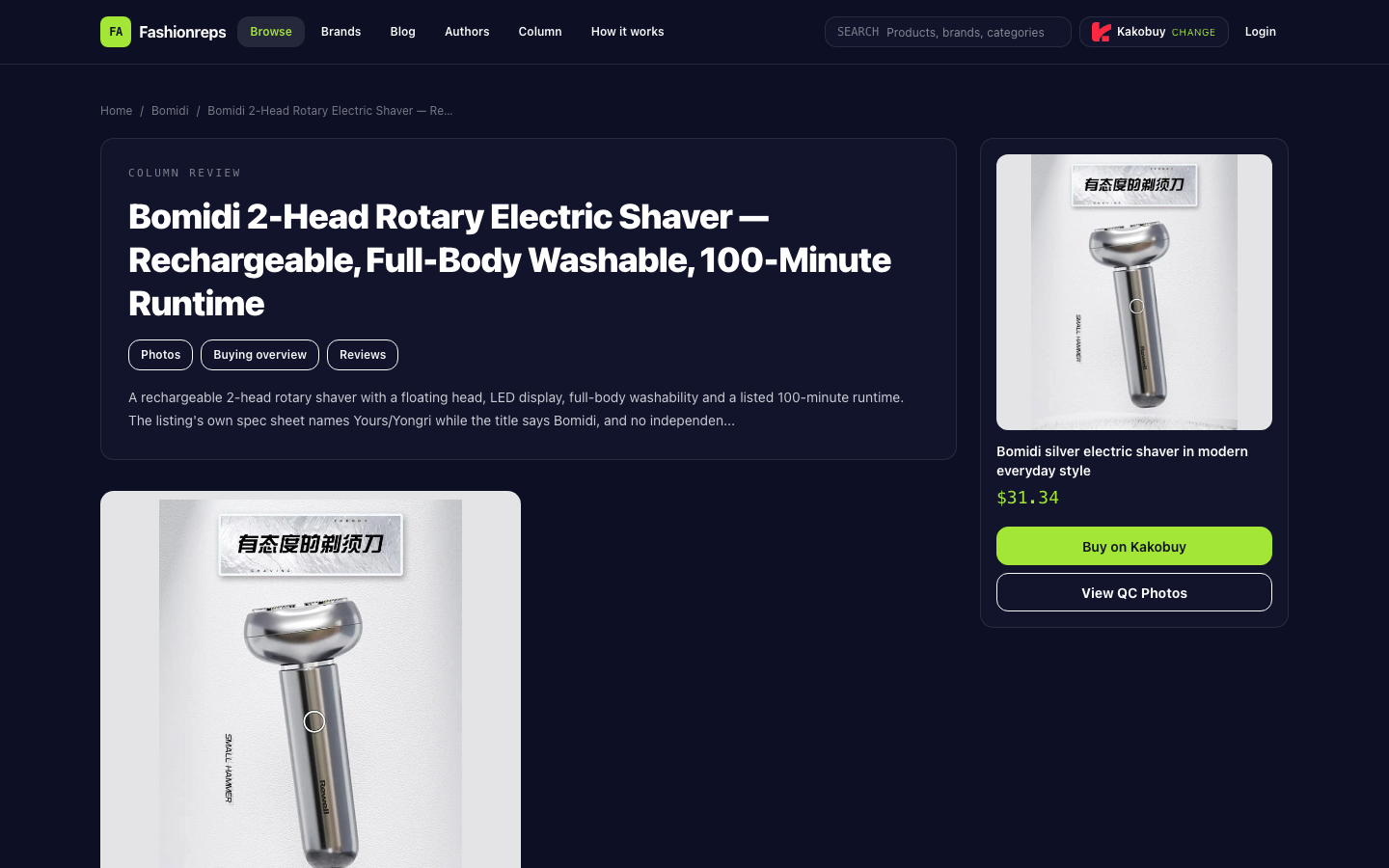
Caption: Troubleshooting illustration for product identity and submission flow fields / illustration, not a real photo, order proof, or quality inspection document.
Check the Link and Account in Order
1. Check if the Original Link Is Complete
Make sure the link hasn't been cut off and that you didn't submit a search results page, a share page, or an internal redirect address as the product link. Reopen the original link and check if the product page loads normally and still matches the product you intended to submit.
If the page won't open, redirects to a blank page, or the product info doesn't match what you expected, don't resubmit. Save the page message and wait for the link to recover or ask customer service if that link format is supported.
2. Confirm the Account You Used for Submission
Logging out and back in doesn't guarantee you're in the same account. Check your login email, username, or other account identifier, then go to the order draft list. If you switch between multiple accounts, the draft might have been created under a different one.
3. Tell Apart Success, Processing, and Failure
Don't assume a page redirect after clicking the button means the submission was successful. Look carefully at whether the page clearly says created, processing, failed, or needs more information.
- Clearly says created: Refresh the order draft list and check filters and pagination.
- Shows processing: Note the time and don't submit the same link again right away.
- Shows failed or a parsing error: Save the full error message, fix the link first, or contact customer service.
- No result at all: Treat it as status unknown; don't assume the order wasn't created just because the list is empty.
4. Refresh the List and Check Filters
Go back to the order draft page, refresh manually once, and check if any filters are on, like account, date, status, or site. Also make sure you're looking at order drafts, not submitted orders, cart, or another list.
If the page shows a loading error, empty data, or keeps spinning, note the time and take a screenshot. Don't test by refreshing repeatedly or clicking the submit button over and over.
When You Can Retry Once
Only consider retrying the same link if all of the following are true:
- The original link opens normally
- The current account is confirmed correct
- The first submission didn't show success, processing, or created status
- The order draft list still has no record after refreshing
- You've saved the time and page evidence from the first submission
When retrying, use the same confirmed valid original link and record the second submission time. Don't submit from multiple accounts, pages, or browser windows at the same time, or it'll be harder to tell if duplicate drafts were created.
When to Stop Submitting
Stop repeating if any of the following happens:
- The page shows created or processing
- You've already retried the same link once and the status is still unclear
- The page says the order is processing, the request is duplicate, or the action is too frequent
- There's something questionable about the account status, product link, or product page
- There's a mismatch between the list and notifications
Stopping doesn't mean giving up on the issue; it means avoiding duplicate requests. After that, use the saved link, account, time, screenshots, and error messages to make a manual inquiry.
What to Provide When Contacting Official Customer Service
When contacting the platform's customer service or site support channel you're actually using, provide the following:
- Original product link
- Submission time and time zone
- Login account identifier
- Status or error message shown on the page
- Screenshots before and after submission
- Whether you retried once, and the times of both attempts
- Current result shown in the order draft list
You can describe the problem like this: "At [time] using [account], I submitted this link, the page showed [status], but the order draft list has no record. Please confirm whether the request was not created, is processing, was created but not displayed, or needs to be resubmitted."
Before customer service gives a clear answer, don't submit the same link again, and don't delete existing records or screenshots. This reduces the risk of duplicate orders and keeps the evidence you need for later checking.
Editor score 4.2 / 5
Community feedback
0 approved
No approved comments yet.