Dior Jacket Search: Spreadsheet vs Google Sheets
- Editorial notes
If you're looking for Dior fall/winter jackets on fashion-reps, the real challenge isn't "how many items you see," but how to separately record the candidates worth reviewing, the specs still missing, and the follow-up verification steps. This guide covers initial discovery, building a candidate list, and scheduling reviews; it does not replace product detail pages, QC photos, or order and logistics records from your shop
If you're looking for Dior fall/winter jackets on fashion-reps, the real challenge isn't "how many items you see," but how to separately record the candidates worth reviewing, the specs still missing, and the follow-up verification steps. This guide covers initial discovery, building a candidate list, and scheduling reviews; it does not replace product detail pages, QC photos, or order and logistics records from your shopping agent.
This article compares the website-style product catalog and Google Sheets within the same workflow: the website is for discovery and browsing, while the spreadsheet is for filtering, supplementing status, and tracking changes. Purchasing, payment, and shipping processes on the page are still handled by your chosen agent; don't treat catalog records as order proof.
Specific Goals for Filtering Dior Fall/Winter Jacket Candidates
Before starting, define a checkable question for each candidate, not just save a title.
Break the goal into four actions:
- Find product cards related to Dior, jackets, and fall/winter wear.
- Record the name, image, category, and product link that are directly confirmable on the current page.
- Mark fields like size, material, color, stock, or style as missing if not yet confirmed.
- During the next review, check whether links, images, and specs are still visible.
This candidate table is not a "recommendation list." Only after necessary review and confirming enough info to support the next step should an item enter a smaller purchase set.
If your task is to check order status, compare actual shipping costs, handle returns, or confirm customs requirements, this initial screening is not suitable; go to the corresponding pages of your agent and logistics service.
Start by Viewing Categories, Brands, and Product Cards on the fashionreps Website-Style Spreadsheet
The visible pages on fashion-reps include product browsing, brand entry, search entry, and individual product pages. Relevant pages also show QC photo entry and the interface for selecting a shopping agent. Based on these visible features, the website is better for "discovering candidates" and "opening evidence pages."
During initial screening, browse in this order:
- Narrow down using brand or category entry, and confirm whether the page items belong to jackets or similar outerwear.
- Use on-site search with natural word variations like Dior, jacket, fall/winter outerwear.
- Open product cards and confirm that the product name matches the page content.
- Look at visible images and distinguish between regular product images, detail images, and QC image entry.
- Save the original link of the product page, not just the displayed text in search results.
- Check if the page still has a clear name and enough info to support a candidate record.
The page helps you see products and browsing paths, but it cannot automatically judge fit, size accuracy, or stock availability for a specific color. Fields not shown on the product page should be recorded in the table as "no page evidence," not inferred from the title.
Visible information may change with page updates, so candidate records should include a verification date. For highly volatile facts like price, stock, size, seller, shipping, tax, and link status, mark them as verified only if still visible during actual review.
How to Build Candidate Rows and Fields to Verify in Google Sheets
Google Sheets' value is not to replace the product website, but to put multiple candidates into a single filterable, supplementable, and collaborative list. Each row should contain only one product candidate; avoid mixing different colors, sizes, or images of the same product in one row.
Recommended fields:
| Field | How to Record | Handling When Missing |
|---|---|---|
| Candidate ID | Use a unique number, e.g., DR-JKT-001 | Do not leave blank to avoid confusion |
| Page Product Name | Copy the current displayed name from the product page | If name cannot be confirmed, mark as to be reviewed |
| Brand and Category | Record brand and jacket category separately | Do not infer from images |
| Color | Record only the color explicitly stated on the page | Write "not seen" if not specified |
| Size Info | Record visible sizes or size chart status on the page | Add to be verified if no size chart |
| Material Info | Copy visible material description or mark missing | Do not judge fabric from images |
| Image Status | Product image, detail image, QC entry, or not seen | Record the type seen, not evaluate authenticity |
| Product Link | Save the original page URL | Mark link abnormal if not opening |
| Last Verified Date | Use YYYY-MM-DD format | Update after each review |
| Next Action | e.g., verify size, open QC, or confirm agent | Do not leave blank to keep candidate actionable |
"Not seen" and "to be verified" should be used consistently. The former means the info was not seen on this page, and the latter means further checking is needed. Do not fill gaps with "should have" or "looks like," as this turns speculation into candidate facts.
For multi-person collaboration, add "recorder" and "review result" columns. Collaborators can divide tasks like discovering products, checking images, and reviewing broken links, but everyone should keep their own verification dates and notes. 📋
Comparing Keyword Search, Category Browsing, and Spreadsheet Filtering Steps
Website search and Google Sheets filtering solve different problems. Website search answers "which pages might be relevant," while spreadsheet filtering answers "among the candidates I've recorded, which are still worth checking next."
| Task | fashion-reps Website-Style Catalog | Google Sheets |
|---|---|---|
| Discover new candidates | Browse pages via search, brand, and category | Cannot replace on-site discovery unless data imported |
| View product context | Open product cards, detail pages, and image entry | Depends on recorded fields and notes |
| Filter discovered items | Limited by page search and category entry | Can filter by brand, missing fields, date, and status |
| Track page changes | Need to reopen pages to check | Can keep old dates, review results, and change notes |
| Multi-person collaboration | Based on current public pages | Can assign recording, review, and cleanup tasks |
| Order and logistics | Not used as an order system | Should not treat candidate table as logistics proof |
Practical operation can be split into two rounds.
First round: website initial screening. Only record candidates with clear names, working links, and pages in relevant product categories. No need to decide which is best; focus on keeping enough page evidence.
Second round: spreadsheet review. First filter rows where "link is working but size is missing," then "image status is QC entry," and finally schedule reviews by oldest last verified date. This turns browsing into a set of clear check tasks.
If website search results don't match the product page name, use the current product page content and note the difference in remarks. Do not rewrite the original product name to make the candidate table look tidy. 🔎
How to Avoid Mixing Up Fit, Size, Color, Image, and Link Records
Dior jacket candidates are especially prone to confusion like "same title, multiple styles" or "same page, different image entries." When handling, separate identification fields from judgment fields.
Identification fields answer "which row is this":
- Page product name
- Product link
- Candidate ID
- Number of visible styles on page
- Image or QC page entry
Judgment fields answer "what to check next":
- Whether fit needs further confirmation
- Whether the size chart is complete
- Whether the color name is clear
- Whether material description exists
- Whether images are sufficient for initial comparison
- Whether the link is still valid
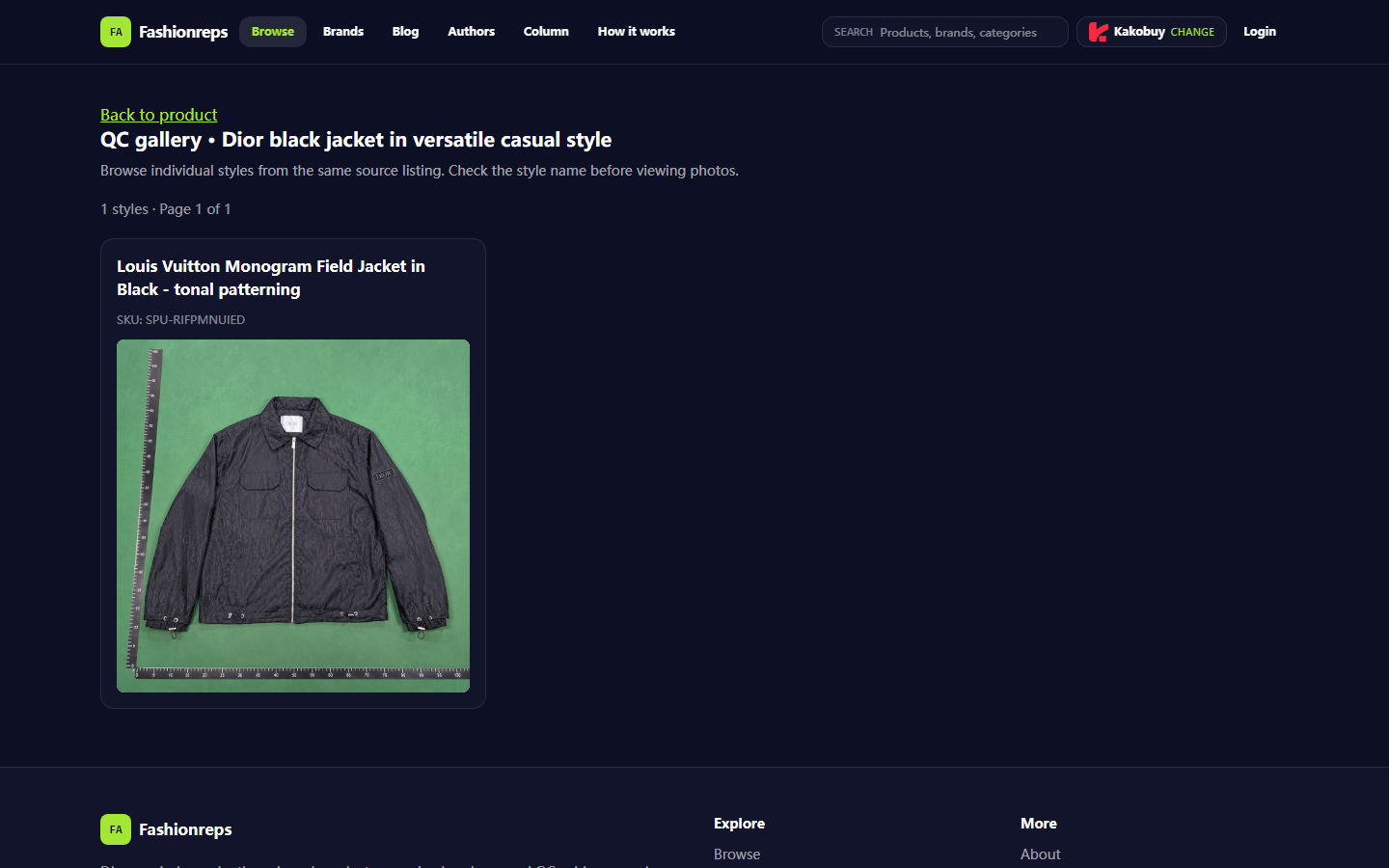
If a page shows multiple styles, do not merge all styles into one "Dior jacket" candidate. Each style should have a separate ID, or add a "style name" field in the table. Otherwise, later when opening images or checking sizes, you won't know which style the notes refer to.
Similarly, do not treat QC photos as completed purchase tests. QC photos can only be recorded as inspection materials provided by the page; they do not equate to personally receiving, touching the material, trying on, or confirming actual quality. For content that cannot be reliably judged from images, write "needs further verification," not "good fit," "premium fabric," or "quality assured."
Link status should also be handled separately. The product page may open fine, but image entries, style pages, or external agent pages may have changed. The table should separately record the main product link and necessary sub-pages to prevent one green status from hiding that other pages have failed.
What the Website Is Good for Discovering vs. What the Spreadsheet Is Good for Tracking
The website-style catalog is suitable for discovery tasks requiring context. You can browse back and forth among categories, brands, search terms, and product cards, compare images and names provided on the page, and decide which candidates are worth adding to the table.
Google Sheets is better for repetitive, delayed, and collaborative tasks, such as:
- Showing only candidates still missing a size chart.
- Finding links not reviewed for a certain period.
- Grouping by color or style to avoid reopening the same page.
- Assigning "initial screening," "image review," and "link check" to different collaborators.
- Keeping notes before and after page changes instead of overwriting old records.
- Distinguishing "discovered," "to be verified," "not included," and "review completed."
Recommend a simple status set:
- Discovered: page accessible, candidate row created.
- To be verified: key missing fields, needs further check.
- Insufficient info: page cannot support current comparison, not included for now.
- Link abnormal: page not opening or content no longer clear.
- Reviewed: required field check completed on specified date.
Status names should express work progress, not product quality. For example, "reviewed" does not mean "worth buying," and "insufficient info" does not mean the product is necessarily bad. They only indicate whether current evidence is enough to support the next action.
Evidence Boundaries for Update Dates, Broken Links, and Missing Specs
The easiest way candidate tables become distorted is by treating old records as current facts. Each time you open a page, at least recheck the following:
- Is the product name still clearly visible?
- Does the page still belong to the relevant product category?
- Do image, style, or QC entries still open?
- Have size, color, and material fields changed?
- Has the original link been redirected, deleted, or replaced with an empty page?
- Is the current page date beyond the verification date in the table?
If a link fails, do not delete the candidate row immediately. Change status to "link abnormal," keep the original link, last verified date, and note the issue. This avoids duplicate investigation and helps determine whether a candidate was previously considered.
If only one field is missing, do not fill it with info from another candidate. For example, candidate A's black size chart cannot be used to fill candidate B's black jacket; similar images also cannot prove two pages use the same material or fit.
For price, stock, shipping, tax, and agent availability, the table can only save a snapshot at verification time. When preparing to order, return to the current page and agent page to confirm. Do not equate product discovery info on the page with actual order terms. ⚠️
Combined Workflow from Initial Screening to Final Review
Use the following loop to reduce repeated page opening and candidate mixing:
- Define task: only filter Dior fall/winter jacket candidates; don't mix orders, logistics, or after-sales into the same table.
- Website discovery: browse relevant pages using brand, category, and search entry.
- Create candidates: number each style separately, record page name, link, and visible image status.
- Mark missing: clearly note unseen size, color, material, or QC info.
- Spreadsheet filtering: prioritize candidates with working links but key missing fields.
- Page review: reopen product page and related image entries, update verification date.
- Exclude inapplicable: mark empty pages, redirects, unclear names, or insufficient info as not included.
- Form next steps: only candidates with enough evidence proceed to size confirmation, agent consultation, or order preparation.
For final review, use a brief completion standard: product name clear, original link accessible, no style mixing, key specs status marked, image entry records accurate, verification date clear, next action defined. If any item is missing, do not treat that row as a completed candidate.
The main benefit of this combined method is reducing repeated searches and information mixing, not guaranteeing the lowest price, in-stock, or best quality. The website provides current visible discovery entry, and Google Sheets preserves your judgment boundaries and review records; neither can replace your agent's final confirmation of order, payment, stock, shipping, customs, and after-sales terms.
Article Images

Editor score 4.2 / 5
Community feedback
0 approved
No approved comments yet.