Patagonia on Fashionreps: Fix Image-Color Mismatch
- Editorial notes
# Patagonia on Fashionreps: Fix Image-Color Mismatch When the main image, thumbnails, and color names on a [Patagonia](https://fashion-reps.net/brand/patagonia) product page don't match up, don't judge the color by the image alone, and don't rush to place an order. This guide addresses one issue only: when the product page's images don't align with the color names, how to complete evidence verification and decide whether to proceed, change candidates, or stop. After reading, you should be able t
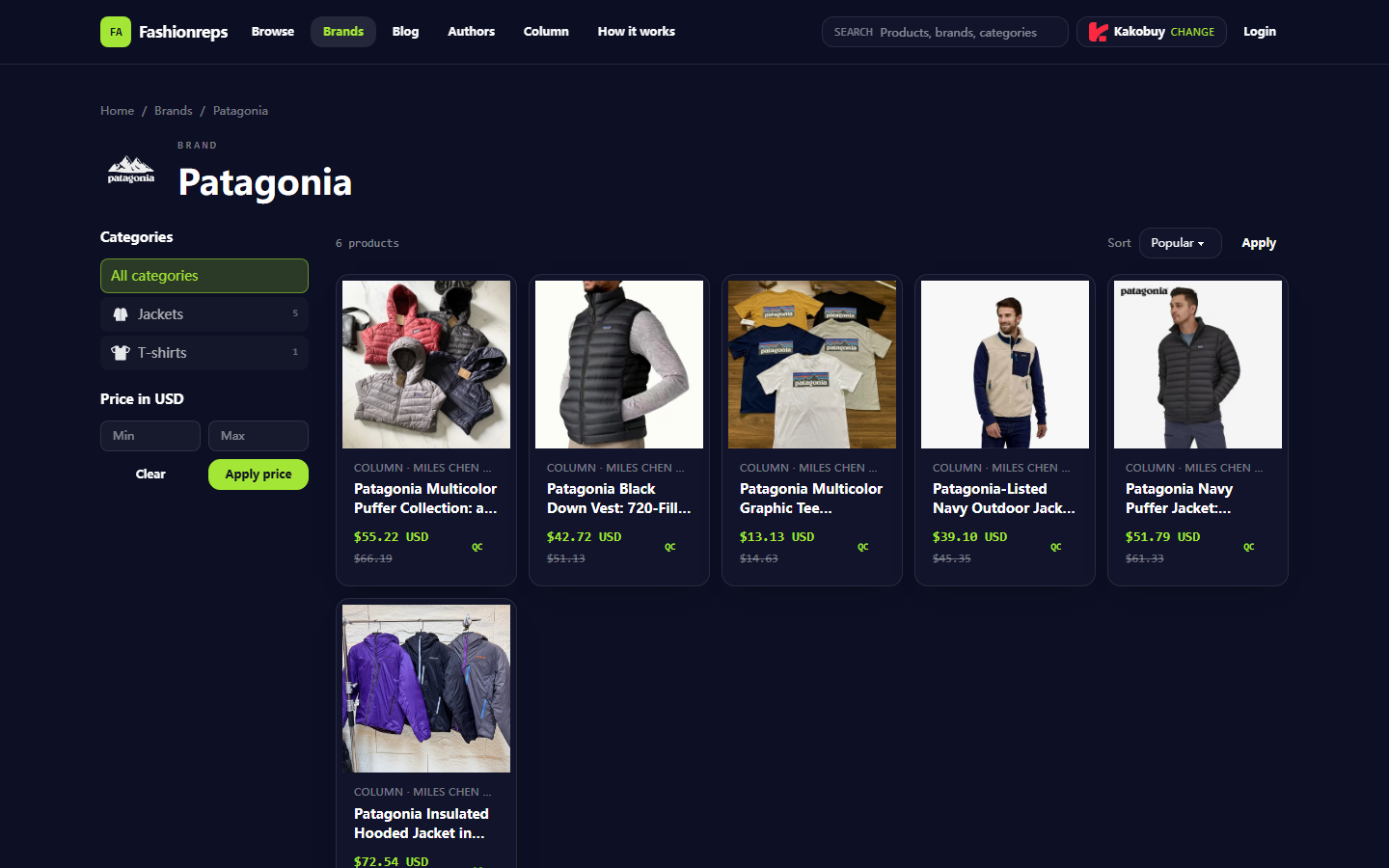
When the main image, thumbnails, and color names on a Patagonia product page don't match up, don't judge the color by the image alone, and don't rush to place an order. This guide addresses one issue only: when the product page's images don't align with the color names, how to complete evidence verification and decide whether to proceed, change candidates, or stop.
After reading, you should be able to do three things: record the title and variant information currently displayed on the page, determine whether the problem stems from image loading, variant switching, or page labeling differences, and when evidence is insufficient, keep screenshots to check with your shopping agent's customer service.
This article applies to Patagonia product candidates displayed on Fashionreps. It does not indicate that Fashionreps currently has a system failure, nor does it guarantee that the products on the page have any official brand attributes. Prices, inventory, color options, and link statuses should be based on what you actually see when you open the page; the verification date of this article is October 9, 2026. 🧭

Clarify the Verification Task for Patagonia Image and Color Name Mismatch
First, write the problem as an actionable judgment: whether the page is for the same product and same variant, whether the image changes with the color option selection, and whether the final cart or order records the color you selected.
Don't equate "the image doesn't look like the name" with "the product will be shipped wrong." Common situations include:
- The image component hasn't finished loading, and the page temporarily shows the default image.
- After clicking a color, the thumbnail updates, but the main image remains on the previous option.
- Multiple colors share one set of product images, and the color name only changes in the option area.
- The seller's images, color names, and page translations use different naming methods.
- The page scraping or display retains product information but doesn't fully sync variant images.
Your final action should be: proceed only after the evidence is consistent; if the evidence cannot be closed-loop, pause first and confirm with the shopping agent. 🚦
Record the Title, Color, and Variant Fields Currently Displayed on the Product Page
After opening the product page, don't click or refresh repeatedly. Record the following:
- The complete text of the product title.
- The brand, category, and product number displayed on the page, if provided.
- The currently selected color name and other variant fields, such as size or style.
- Screenshots of the main image, thumbnails, and color options.
- The displayed price, inventory notice, and update time, if provided.
- The page access time and the name of the shopping agent you are using.
Screenshots should include the page title, color options, and image area, not just a single isolated image. Cover order numbers, shipping addresses, phone numbers, payment information, and other personal data. 📸
Compare the Product Main Image, Thumbnails, and Color Options
Verify in the following fixed order:
- First confirm that the page title has not changed after refreshing.
- Without selecting a color, record the default main image and thumbnail order.
- Select each color one by one, changing only one variable at a time.
- Wait for the main image and thumbnails to finish loading before recording changes.
- Compare whether the image changes and whether the color name stays in the currently selected state.
- Return to the previous color and confirm whether the page restores the corresponding image.
You can use the following recording method to avoid judging by impression:
| Observation Item | Evidence to Record | Limited Conclusion You Can Draw |
|---|---|---|
| Color name | The original text of the page option and its current selected state | What the page claims the variant name is |
| Main image | Whether it changes before and after selecting a color | Whether the image component responds to the selection |
| Thumbnails | Whether the number, order, and content of thumbnails change | Whether the page provides separate images for multiple colors |
| Cart record | The color and size shown after adding | Whether the order entry retains the selection result |
If the color option changes but the main image stays the same, you can only conclude that the page is not displaying distinguishable variant images, not whether the actual colors are the same or different.
Distinguish Between Image Loading Issues, Variant Switching, and Page Labeling Differences
Image loading issues typically appear as a blank image area, broken placeholders in thumbnails, size changes after loading, or unstable content after refresh. In this case, check your network and browser cache first, then reopen the same page, and don't change colors or place an order immediately.
Variant switching issues typically appear when the color name has changed but the main image still shows the previous option, or when selecting a color causes abnormal changes in size, inventory, and price. In this case, select again and wait for the page to finish updating, then check the color record in the cart.
Page labeling differences may appear as slight differences in image tone and name, but the page does not provide a clear color card, official color code, or variant explanation. Screen display is affected by lighting, shooting equipment, and compression, so you can only confirm that "the page labeling is not completely consistent with the image appearance," not the actual fabric color.
Do not infer the following from images:
- The actual material, thickness, or hand feel of the fabric.
- The type, weight, or warmth of the filling.
- The correct official color name or brand color code.
- Whether the actual item is completely identical to the original, authentic, or official product.
- Whether the product is free of color differences, defects, or size deviations.
These conclusions must rely on page text, variant information provided by the seller, verification photos from the shopping agent, or other verifiable records. 🔍
Check Whether the Color Record in the Cart or Order Is Synchronized
After confirming the page variants, add to cart but do not pay immediately. Check whether the cart simultaneously shows:
- A product title consistent with the page.
- The color name you actually selected.
- The correct size or other variant.
- The corresponding product link or product number.
- Quantity, price, and inventory status.
If the cart only shows a vague color, shows the previous selection, or the color field is empty, delete the cart item and re-select from the product page. Before adding again, keep a screenshot of the first operation to avoid creating multiple identical items or incorrect variants.
If the cart record matches the product page but you still cannot determine which color the image corresponds to, the problem has shifted from "page selection" to "insufficient product evidence." In this case, you should not pay based solely on the main image. ✅
What Page Evidence and Screenshots to Ask For
When contacting the shopping agent, provide minimal but sufficient information: product page screenshot, color option screenshot, main image screenshot after selecting a color, cart variant screenshot, and page access time.
You can ask customer service explicitly:
- Whether there are independent physical or warehouse verification images for that color.
- Whether the page images are shared display images for multiple colors.
- Whether the color name in the cart will be passed to the seller.
- If the color cannot be confirmed, whether you can cancel or change candidates before purchase.
- If the received product does not match the order color, what after-sales evidence and time window apply.
Do not send complete order numbers, payment card information, passports, identity documents, or unredacted shipping labels. Customer service only needs to verify the product and variant, not your sensitive identity information. 🛡️
Final Action: Proceed Only After Evidence Is Consistent or Change Candidates
Conditions under which you may continue: the product title is clear, the color name can be recorded, the variant selection remains consistent between the page and cart, and the image issue is confirmed as a loading delay or shared image display.
Situations where changing candidates is recommended: the color name is duplicated or ambiguous, after selecting different colors the cart record cannot be distinguished, the page images and options are permanently misaligned, or customer service cannot confirm the variant before payment.
Situations where you must stop:
- The page shows different products or colors on different refreshes.
- The color record in the cart is inconsistent with the product page.
- The page asks you to submit payment or personal identity information via an insecure method.
- You cannot confirm which variant you are purchasing, but you are asked to pay immediately.
- Color, material, or brand attributes can only be guessed from images, with no verifiable text or customer service confirmation.
This verification may take a few extra minutes, but it reduces the cost of cancellation, returns, or after-sales communication caused by selecting the wrong color. Don't treat "the image looks close" as "the order variant is confirmed."
Shopping Agent Platform FAQ
1. What are QC photos on repgalaxy.tips?
repgalaxy.tips maintains a dedicated quality control department. After your products reach the repgalaxy.tips warehouse, its team inspects them and captures QC photos. Typically, three pictures are taken, and the staff checks whether the color, dimensions, specifications, and quantity match your order. They also look for any quality defects. Electronic products are an exception; only their external appearance is examined. If quality problems are found, or if the size or color is wrong, the team immediately requests a return from the seller. This process helps ensure you receive high-quality items.
2. What should I do if I am not satisfied with the item I received from repgalaxy.tips?
Get in touch with repgalaxy.tips customer service as soon as you can. Many Chinese sellers provide a 5-day unconditional return and exchange period for non-specialty products. If you are unhappy, you may ask for a return. If the item has already been shipped from the warehouse and reached your address, and you find a quality issue, you need to contact repgalaxy.tips customer service so they can help you communicate with the seller to negotiate compensation.
Customer service email addresses for repgalaxy.tips:
kakobuy: service@kakobuy.com
oopbuy: support01@oopbuy.com
usfans: support@usfans.com
hipobuy: care@hipobuy.com
superbuy: care@superbuy.com
3. How can I view QC photos on repgalaxy.tips?
When reviewing QC photos on repgalaxy.tips, pay attention to the distinctive details of the product you bought. For instance, for shoes, examine several important areas such as the toe, heel, and tongue to assess stitching, structure, and tongue thickness to determine if the pair is well made. For clothing, check the collar label, logo embroidery, fabric quality, and neatness of the collar and cuffs, among other details;
Editor score 4.2 / 5
Community feedback
0 approved
No approved comments yet.